
SonicOS 8 Objects
Table of Contents
The Zones Page
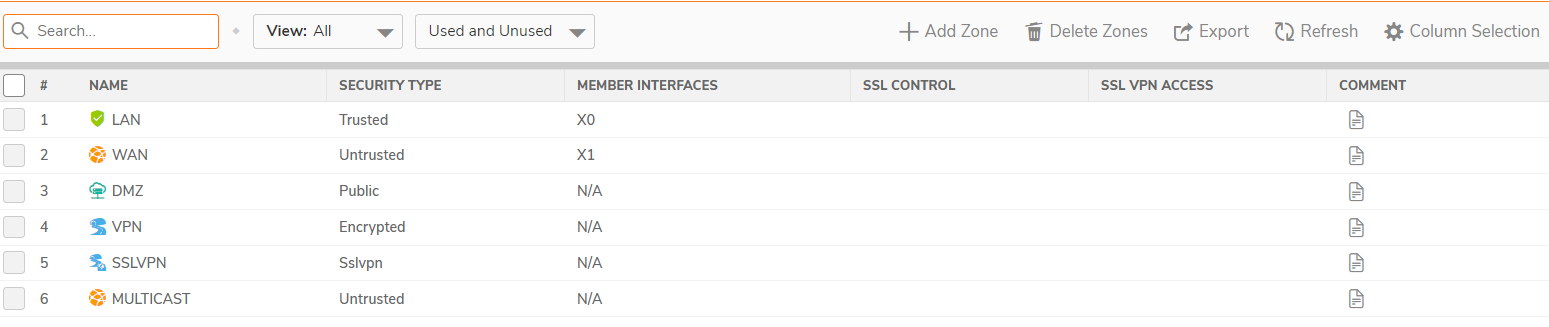
The Zones page displays a list of default zones as well as custom zones created for the SonicWall Security Appliance.
From the Zones page, you can:
- Filter the table data with possible combinations
- Add, modify, and delete zones
- Clone from an existing zone to create a new zone
- Refresh the table, and sort the columns to find specific results
- Customize columns to show or hide the table columns, and save the filter preferences for next time log in
- View the Member Interfaces added to the Zones
- View the Security Services enabled on the Zones
- View the comment added for Zones
Policy Mode
Classic Mode
