
SonicOS 8 SD-WAN
Table of Contents
Monitoring SD-WAN
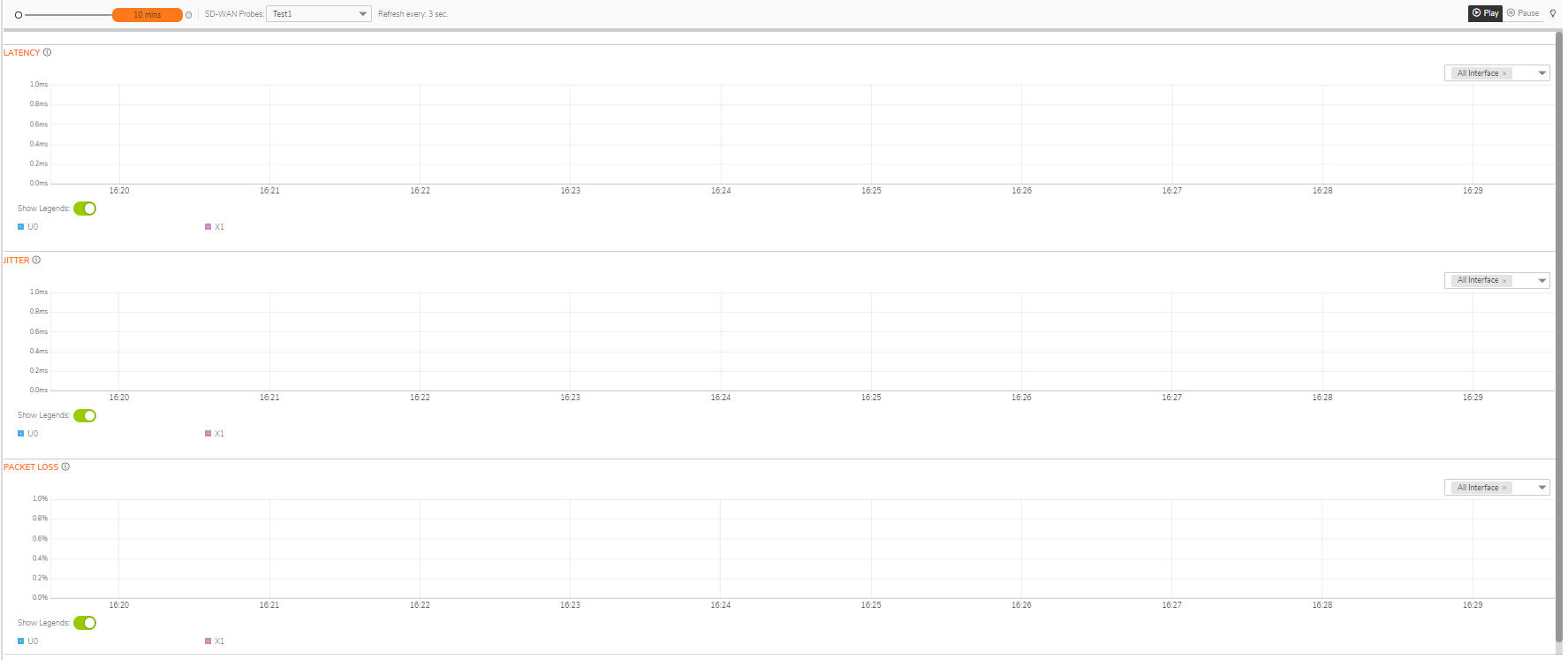
A chart may be empty or blank if there are no recent data entries received within the viewing range.
To monitor SD-WAN SLA
- Navigate to MONITOR | SD-WAN > SDWAN Monitor.
- From the SD-WAN Probes drop-down menu, select an SLA probe.
- In the Refresh Every field, enter the refresh rate in seconds.
- Select a View Range:
- 60 seconds (default)
- 2 minutes
- 5 minutes
- 10 minutes
- Choose an interface to track or select All Interfaces from the drop-down menu on the right side.