
SonicOS 8 Users
Table of Contents
Custom Captive Portal
The Custom Captive Portal (also referred to as the Custom Login Page) is a feature introduced in SonicOS 8.2.3 that allows you to align the firewall login experience with your organization's branding standards. With this feature, you can customize the login page directly on the firewall without an external web server.
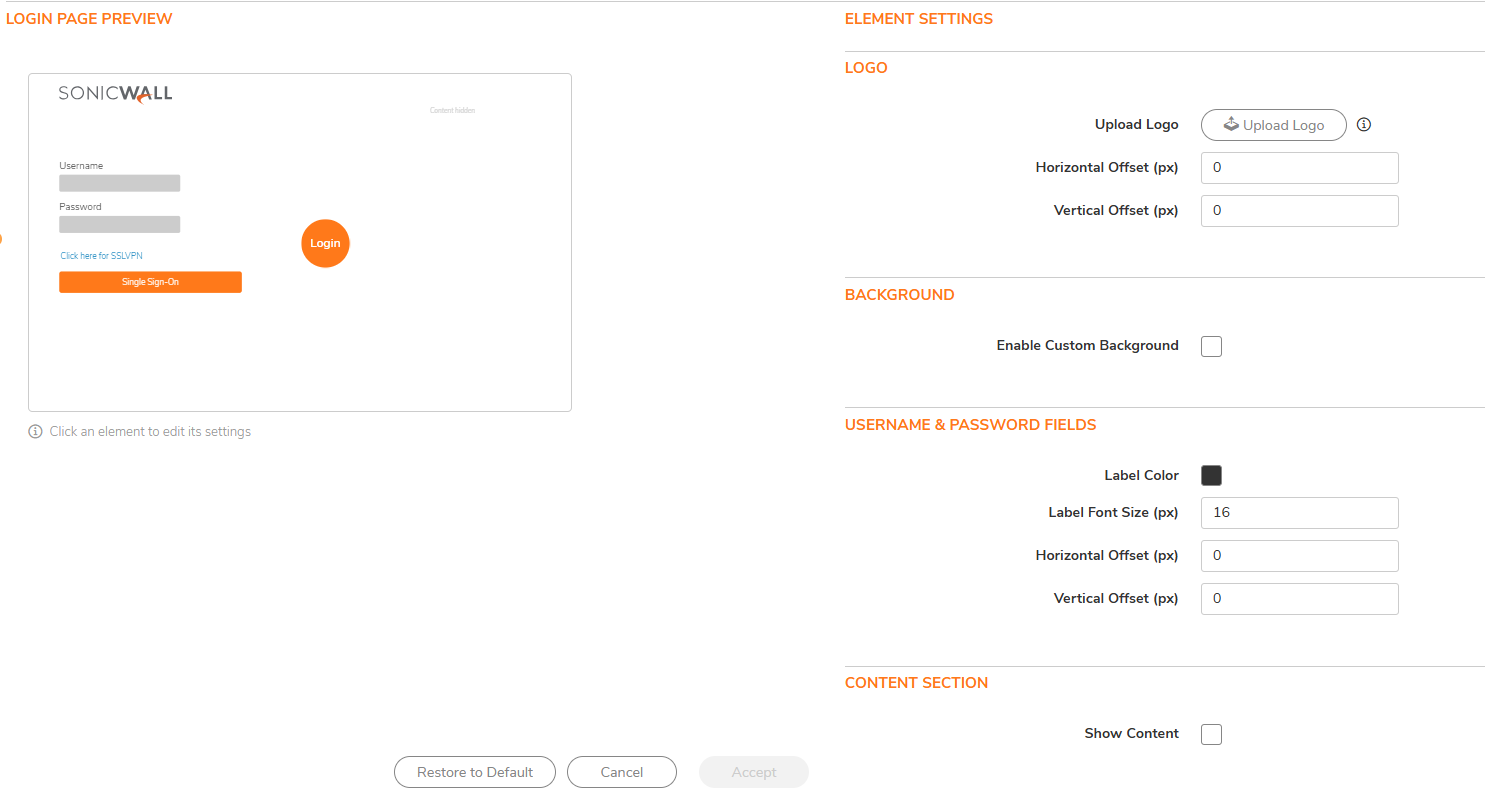
The Custom Captive Portal applies to the following user types:
- Admin and non-admin users
- SSLVPN users
- Wireless users
- SAML users
You can customize the following elements of the login page:
| Element | Customizable Properties |
|---|---|
| Logo | Upload a custom logo image; change position |
| Background | Enable/disable background; upload a background image OR specify a solid background color |
| Username and Password Fields | Change label font color, label font size, and position |
| Content Section | Show/hide; provide custom text; change font color, font size, dimensions (width/height), and position |
| Login Button | Change font color, font size, background color, position, and button shape (round, rounded, or rectangular) |
| SSLVPN Login Link | Change font color, font size, and position |
| Single Sign-On (SSO) Button | Change font color, font size, background color, and position |
The firewall provides a login page preview that allows you to view customization changes without navigating away from the configuration page. If the custom login configuration is missing, invalid, or corrupted, the firewall automatically reverts to the default SonicWall login page to prevent lockout.
The system validates all inputs and prevents the upload or execution of malicious scripts, queries, or any form of Cross-Site Scripting (XSS) attacks. Custom page components comply with firewall security constraints and do not weaken the authentication process.